Manage
🛠️ Agent: Manage
The Manage section allows you to view and manage all agents created within the organization. From here, you can quickly access their configuration, review their main properties, and make edits.
Side Filters
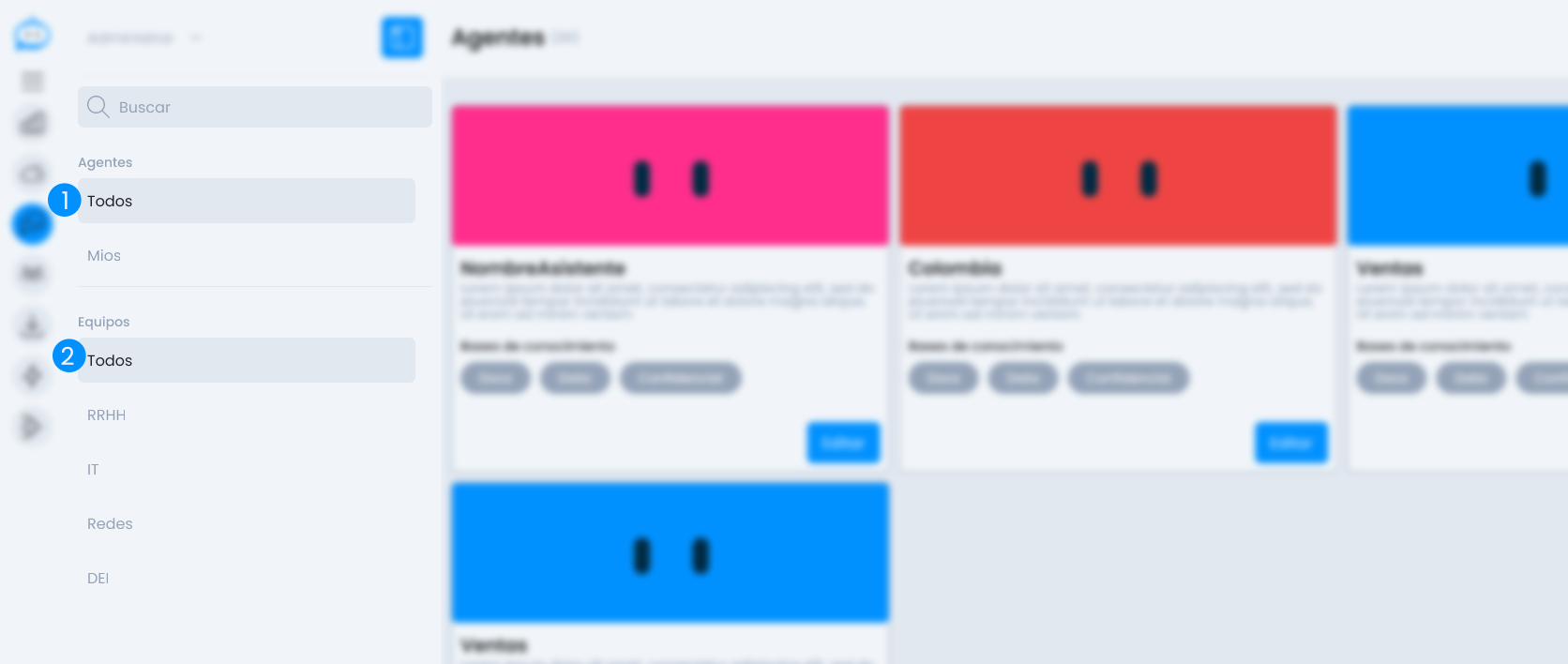 In the left column, you will find filters designed to facilitate the search for agents:
1. Agents
- All: displays the complete list of available agents in the organization.
- My Agents: filters only the agents created by the current user.
2. Teams
List of teams defined in the organization. Selecting one will show only the agents assigned to that team.
Central View
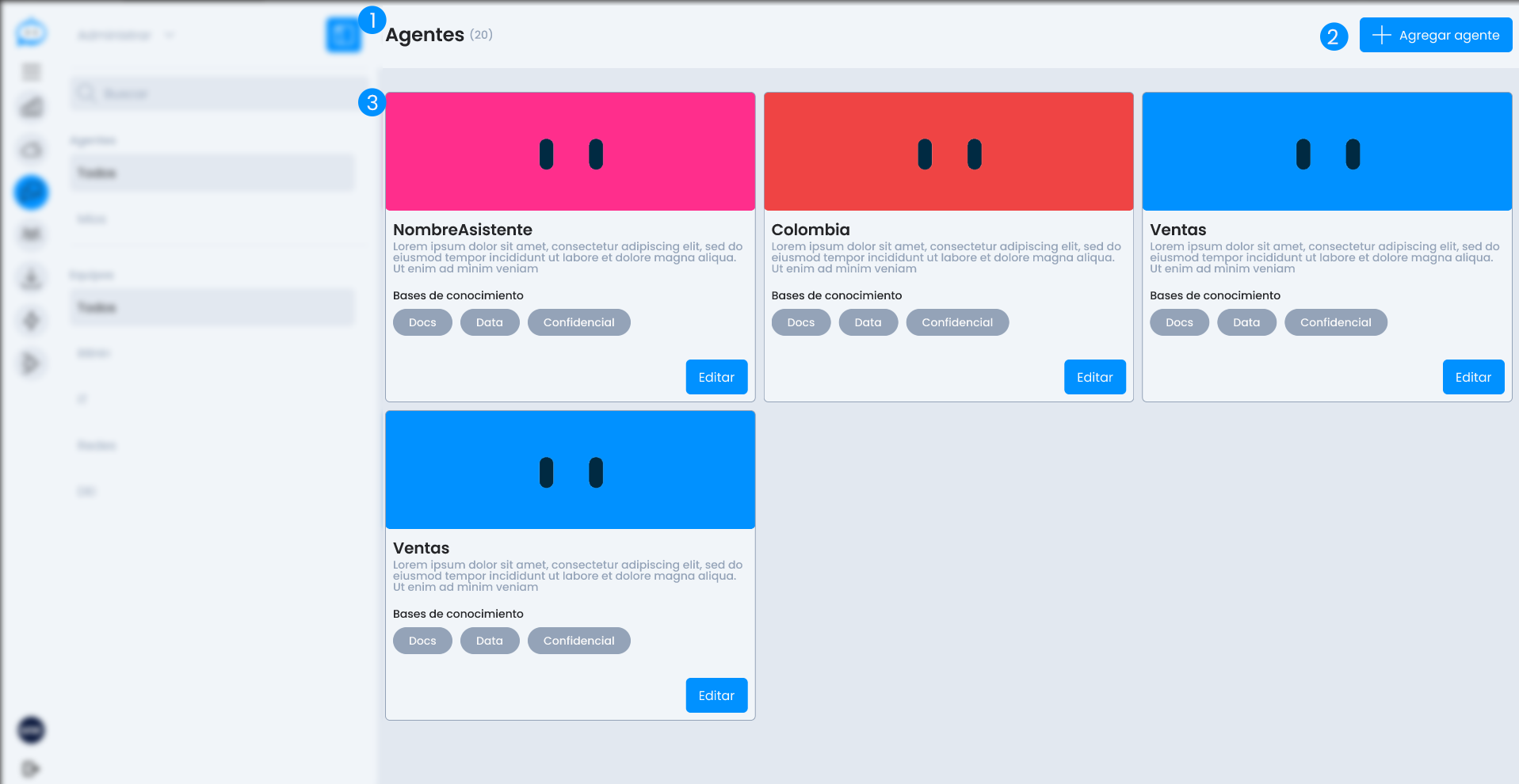
Header
At the top, it indicates:
- The number of agents currently visible according to the applied filters.
- An "Add Agent" button, which redirects to the Wizard to create a new one.
Agent Cards
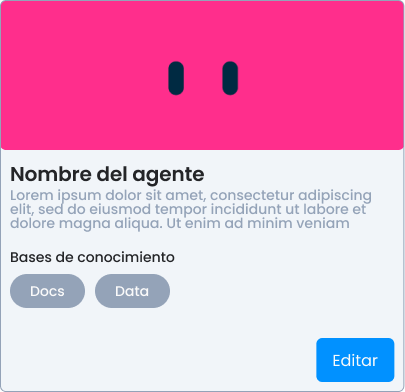
Each agent is displayed in an individual card with the following information:
- Custom image: If the agent was configured with an image, it is shown here. Otherwise, Daiana's eyes are shown as the default avatar.
- Agent name
- Brief description of its purpose or function
- Knowledge Bases: tags indicating the types of connected sources (e.g.,
Docs,Data,Cloud). - "Edit" button: allows modifying the agent's configuration.
This view is designed to provide visual and quick navigation between agents, facilitating both maintenance and exploration.