Edit Agents
Edit Agents
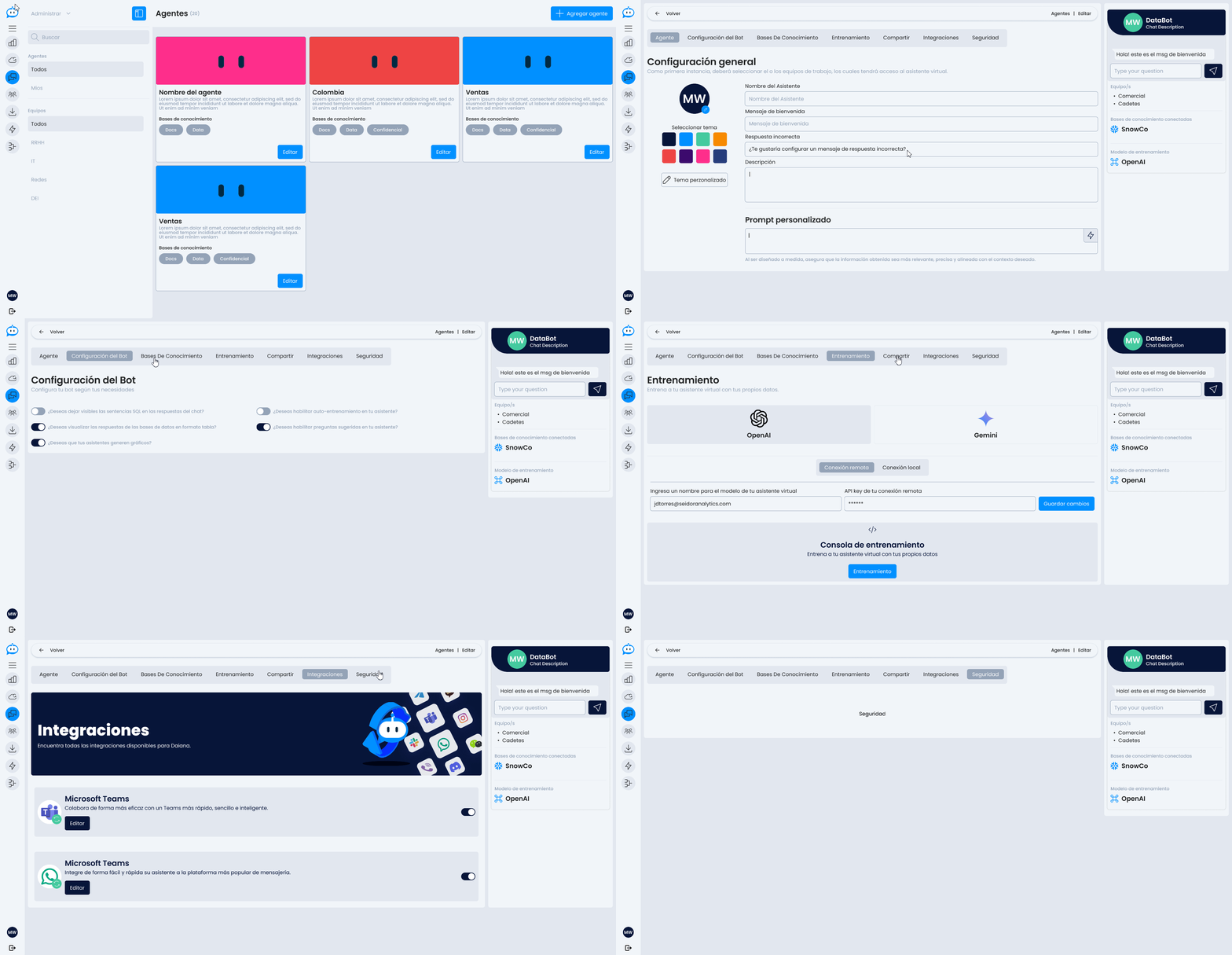
The Edit Agent screen allows you to modify all existing configurations of an already created agent, as well as access advanced options not available during initial creation.
General Structure
The basic structure is the same as for Agent Creation, divided into steps:
- General Settings
- Agent Configuration
- Knowledge Bases
- Training
- Share
- Integrations
Agent General Settings
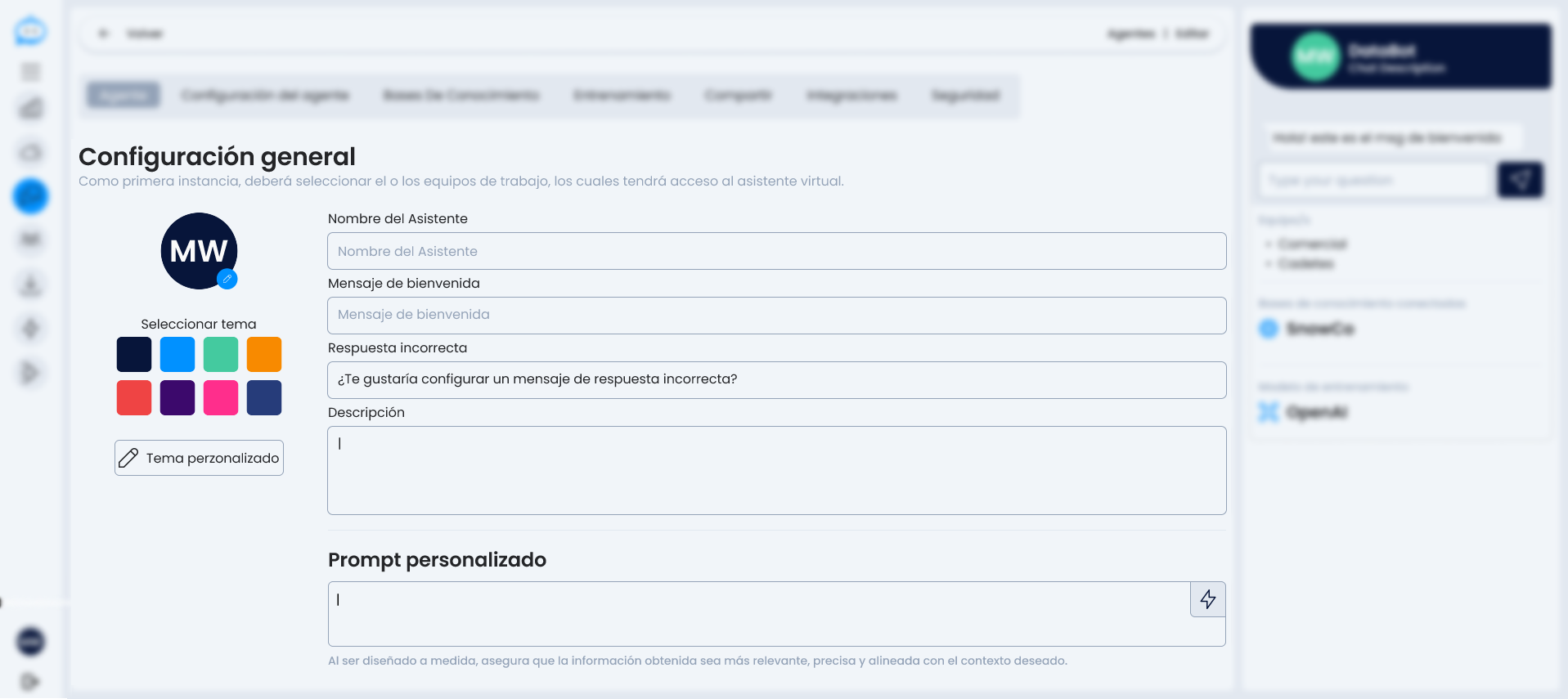 In addition to the standard fields, agent editing allows access to specific configurations to further customize its behavior. Such as refining the custom prompt to improve its responses or personalizing the chat.
Agent Configuration

-
Do you want to keep SQL statements visible in chat responses? Useful for technical environments where the user needs to see the query generated by the agent.
-
Do you want to display database responses in table format? Improves readability of structured responses.
-
Do you want your agents to generate charts? Allows the agent to represent data through automatic visualizations.
-
Do you want to enable auto-training for your agent? Activates a system that improves the agent's performance based on previous interactions.
-
Do you want to enable suggested questions for your agent? Displays common or relevant questions to facilitate user interaction.
Train
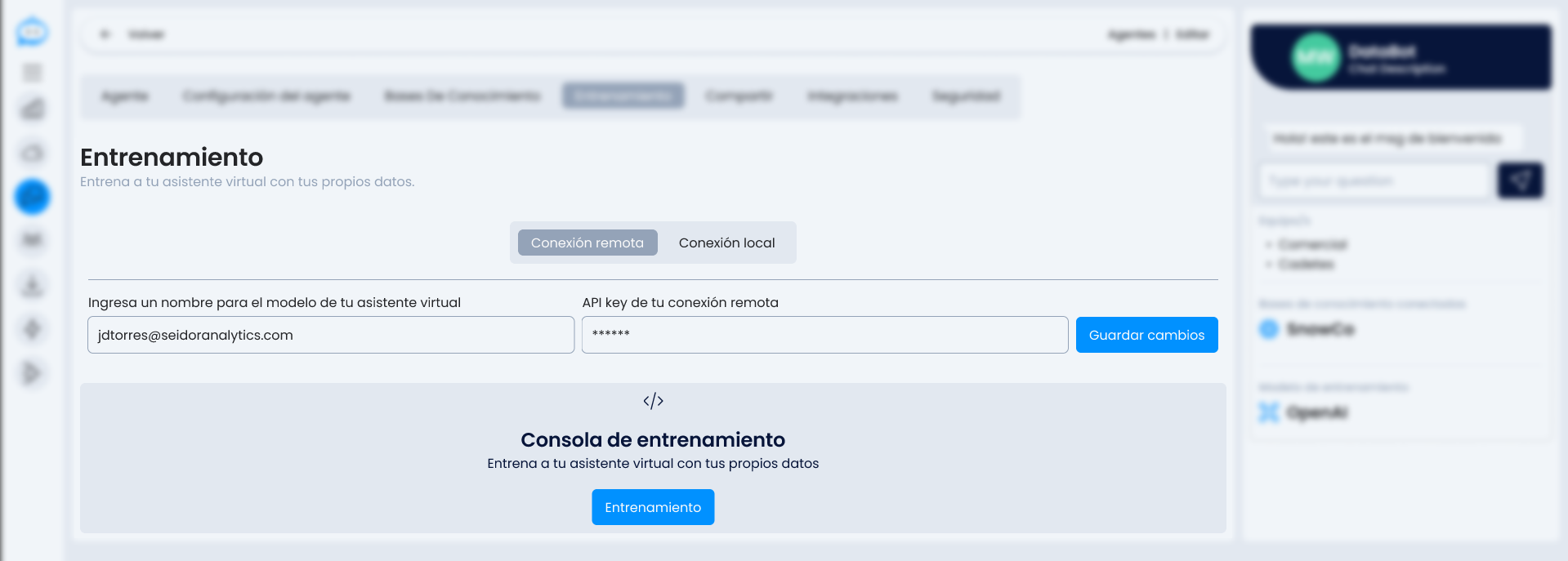
Options to distribute the agent outside Daiana:
- Public Link: generates a direct link to the agent to share it with third parties.
- Embed: provides HTML code to embed the assistant on external websites or applications.
Integrations
From the integrations panel, the agent can connect with external messaging channels. Currently available:
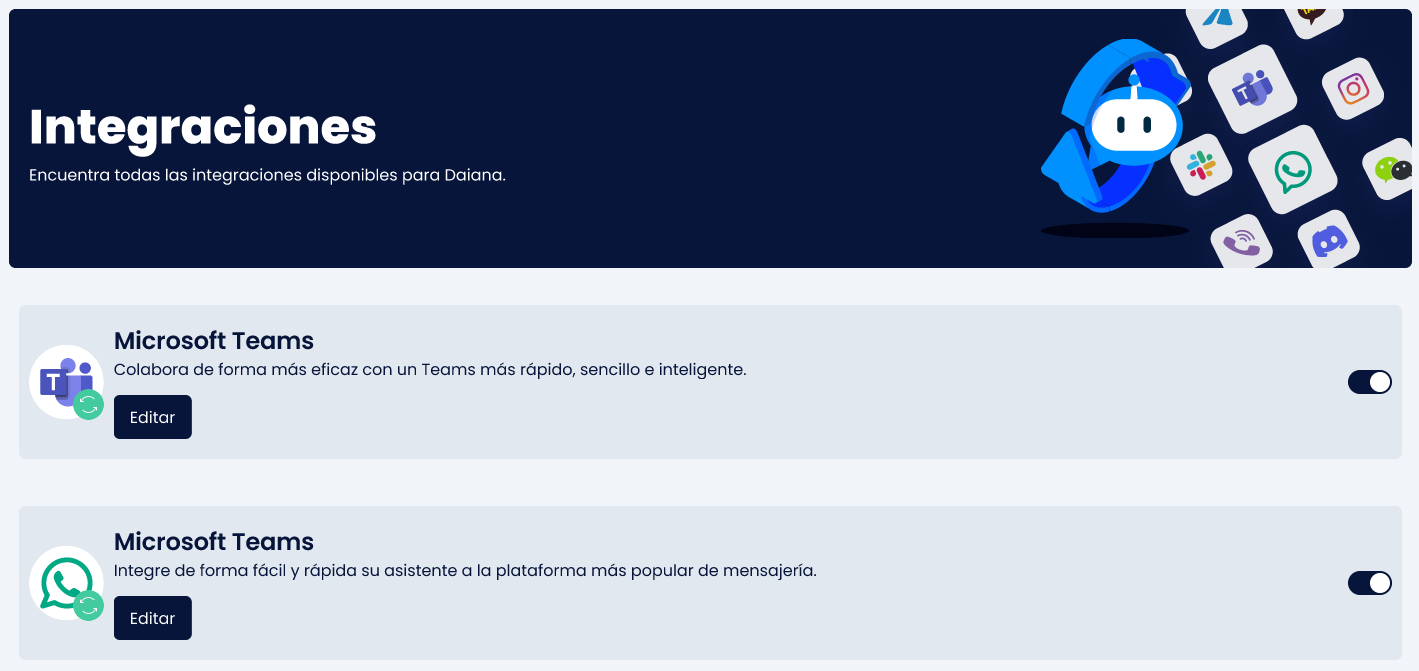
- Microsoft Teams
These integrations allow extending the agent's functionality to other platforms without duplicating logic or configuration.
The editing screen is designed to provide full control over the agent's behavior, distribution, and evolution.